Wondering how to fix a scratched dvd before your favourite film freezes again? Start by cleaning it, then try gentle resurfacing, and accept that deep scratches can’t be repaired.
If you are building a shelf of discs, the guide to film collecting for beginners puts disc care in the wider picture.
| Item | Value |
|---|---|
| Cleaning direction | From the center outward in a straight line |
| Resurfacing methods on Blu-ray | Will not work |
| Drive type that may read a scratched disc more often | Tray-loading, compared with slot-loading |
| Example of a library resurfacing fee | $1 per disc |
| Deeper scratches | Some remove data and cannot be repaired |
The figures come from the Digital Trends disc repair guide, last updated February 16, 2024, and the Chamberlin Free Public Library’s disc restoration page. They can change, so check the sources before you rely on them.
Is the disc really the problem?
Before you touch the disc, confirm that the fault is the disc and not the player. As of Digital Trends’ February 2024 update, the guide says the first trick is to confirm that the problem is actually with the disc.
The same guide says this is usually done in one of two ways:
- Play the disc in another device that has a disc drive.
- Put a different disc into the original drive that gave you trouble.
If the disc looks clean and still won’t play, you can read up on what is a dvd region code in case a region mismatch is the real cause.
The drive matters too. The guide notes that tray-loading drives may be more likely to read a damaged or scratched disc than slot-loading drives, so a second machine can give a different result.
Clean the disc before any repair
Dirt and fingerprints can look like damage, so cleaning comes first. Digital Trends advises you to wash and dry your hands before handling your discs.
- Wash and dry your hands.
- Hold the disc by its edges.
- Start at the center and wipe outward in a straight line.
- Test the disc again in the drive.
That center-to-edge wipe is the method the guide calls the best way to clean a disc. It gives a better grip and helps you avoid damaging the data layer beneath the surface.
For a deeper reference, the NIST care and handling guide by Frederick R. Byers, published October 14, 2003, is described as a comprehensive review of procedures for the care and handling of optical disc media. The standard BS ISO 18938:2014, published 30 Sep 2014, also covers cleaning methods and frequency.
Resurfacing methods and where they stop
If cleaning does not help, resurfacing is the next step. Digital Trends, in its February 2024 update, describes several household methods, and one uses a melamine foam eraser, the same kind of foam used for sound and heat insulation.
The source text available here does not give every step, so read the full instructions at the Digital Trends guide before you try any of them. Work from the gentlest option to the most abrasive, and stop as soon as the disc plays.
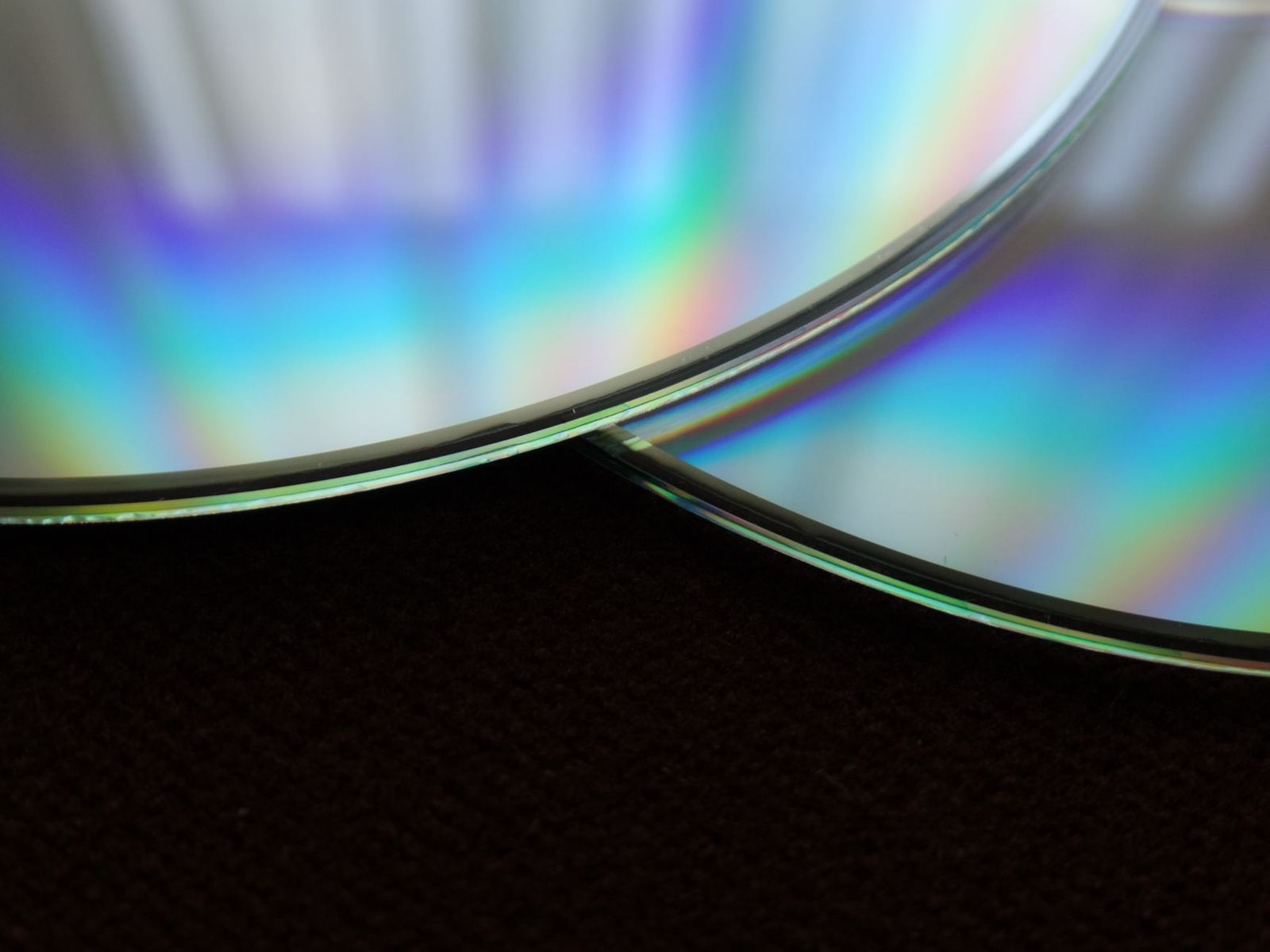
Blu-ray is a different case. As of the same February 2024 update, the guide says its methods will not work with Blu-rays, because those discs use a harder coating that is more difficult to scratch but typically becomes unusable once it does scratch.
Minor damage on a Blu-ray may be corrected with a microfiber cloth, according to the guide. Resurfacing is not advisable for those discs.
When a scratch cannot be fixed
Not every disc can be saved. The Chamberlin Free Public Library, named here only as a neutral example, says on its page that it can remove most scratches, but that some deeper scratches remove data from the disc and cannot be repaired.
The library says it gives a visual assessment of whether a surface is repairable and charges $1 per disc to cover repair supplies. This site does not offer repairs or take enquiries, so treat that as an example of how a basic service is priced.
Digital Trends adds that data is stored close to the top layer of the disc. Scratches and dents on the label side can therefore cause read errors too, so inspect both faces.
If the damaged disc comes from a boxed set, it helps to know what you are replacing. The explainer on what is a special edition dvd can help you judge whether a replacement is worth chasing.
Avoiding a scratched dvd in future
Prevention is cheaper than repair. The CLIR section on conditions that affect discs says CDs and DVDs can be reliable for many decades with proper handling.
The BSI summary of BS ISO 18938:2014 adds that faulty handling, packing and transporting techniques and methods often cause physical damage to discs. Good habits are simple:
- Handle discs with clean, dry hands.
- Keep each disc in its case when you are not playing it.
- Keep burned copies away from direct sunlight and heat.
- Let a disc that has been stored somewhere very cold settle in its packaging before you play it.
Heat is the bigger risk for burned discs. CLIR says recordable and rewritable discs left on a car dashboard in summertime can become unusable in a matter of days, while light effects on pressed ROM discs are considered negligible.
Frequently asked questions
Can I use the same repair methods on a Blu-ray?
Show answer
No. As of Digital Trends’ February 2024 update, the guide says its methods will not work with Blu-rays. Minor damage may be corrected with a microfiber cloth.
Which side of a DVD matters most?
Show answer
Both. Digital Trends notes that data sits close to the top layer, so scratches and dents on the label side can cause read errors too.
How do I know the disc is at fault and not the player?
Show answer
Try the disc in another device with a disc drive, or put a different disc into the original drive. If the other disc plays fine, the original disc is the likelier problem.
Can every scratch be repaired?
Show answer
No. The Chamberlin Free Public Library says some deeper scratches remove data from the disc and cannot be repaired.